How to create AI courses from your existing content
Discover how Learner Journey's AI Learning Path Generator transforms your existing content into structured, multi-page online courses quickly.

Founder, Learner Journey

Creating an online course traditionally means planning the structure, writing individual lessons, sourcing images, creating knowledge checks and then assembling everything inside a learning platform.
With Learner Journey, AI can do much of that initial work for you.
The AI Learning Path Generator allows you to turn a simple prompt, webpage or existing document into a structured, multi-page course. You remain in control of the audience, writing style, language, length, accessibility requirements and the types of content included.
Here’s how it works.
Step 1: Create a New Learning Path
Start by creating a new Learning Path in your Learner Journey workspace.
You have two options:
Create with AI Wizard
Describe what you want to teach and let AI generate the structure and content of a complete multi-page learning path.
Create Manually
Start with a blank learning path and build it yourself using pages and content you have already created.
For this guide, we’ll use the AI Wizard.
Step 2: Tell AI What You Want to Teach
The first question is simple:
What do you want to teach?
You can enter a prompt such as:
A complete introduction to safeguarding for new school staff.
Or:
Best practice for improving teacher well-being and reducing workplace stress.
You don’t need to write a detailed course specification. Learner Journey uses your topic to propose a logical course structure.
But a prompt isn’t your only option.
Step 3: Generate a Course From a Webpage or Document
Learner Journey can also use existing content as the starting point for your course.
There are three ways to provide source material:
Prompt — Describe the subject you want the course to cover.
Webpage — Enter the URL of an existing webpage or article and use it as source material.
Document — Upload a .pdf, .docx or .txt file.
This means an existing policy, training document, handbook, research paper or long-form webpage can become the foundation of a structured learning experience.
Instead of simply giving somebody a document to read, you can transform the information into a sequence of learning pages with supporting content and knowledge checks.
Step 4: Decide What AI Should Generate
Next, choose the default blocks you would like Learner Journey to include across your course.
You can select:
AI-Generated Text
AI-Generated Images
AI-Generated Tables
AI-Generated Quizzes
AI-Generated Polls
You can combine these to create a much richer learning experience than a conventional text-based course.
For example, a learning path might contain an explanation of a concept, an AI-generated visual, a comparison table and then a short quiz to check understanding.
Step 5: Choose Your Audience
Courses aren’t one-size-fits-all.
Learner Journey allows you to define the intended audience before the content is generated.
For example, you could create content for an adult audience and then generate a different version of the same subject for younger learners.
This is particularly useful for organisations that need to communicate the same core knowledge to different groups.
Step 6: Choose the Writing Style and Structure
You can control how the AI writes your learning content.
Select your preferred writing style, such as a neutral tone, and determine how the information should be structured.
You can also control the length of the generated pages.
This gives you much more control than simply asking a generic AI tool to “write a course”. Learner Journey combines AI generation with the structure of an actual learning platform.
Step 7: Select the Language
Choose the language you want the learning materials to use.
For example, you can select UK English for courses intended for British learners.
This makes it easier to create learning content for different audiences and potentially produce alternative versions of the same learning experience in different languages.
Step 8: Personalise for Different Learning Needs
Learner Journey can also take the learner’s needs into account when generating content.
Using the Learning Need Profile, you can tailor the way content is presented for different learning requirements.
This can be particularly valuable when designing more inclusive learning experiences and considering profiles such as dyslexia, ADHD or autism.
Rather than expecting every learner to consume exactly the same style of content, AI makes it possible to adapt learning materials much more quickly.
Step 9: Choose Your AI Image Model
If you’ve selected AI-generated images, you can choose the image generation model you want Learner Journey to use.
For example, you can select between Nano Banana and Nano Banana Pro.
Nano Banana Pro is particularly useful where generated images contain text, as it provides improved spelling within images.
This allows relevant visuals to be generated alongside the course rather than having to source every image manually.
Step 10: Choose the Number of Pages
Now decide how substantial you want the learning path to be.
For example, you might start with a simple 3-page learning path.
A larger subject could be developed into 5, 7, 10 or more pages.
The important point is that you aren’t asking AI to produce one enormous block of course content. Learner Journey first creates a structured learning journey made up of individual pages.
Select the number of pages and click Generate Outline.
Step 11: Review the AI-Generated Course Outline
Learner Journey will now propose a title, description and structure for your course.
For example, if your subject is teacher well-being, it might generate:
Prioritising Teacher Well-being: A Best Practice Guide
Description
This learning path will equip educators with practical strategies and best practices to enhance their personal well-being, manage stress effectively and foster a sustainable career in teaching.
The proposed course could then contain:
Page 1: Understanding Teacher Well-being: The Foundations
Page 2: Practical Strategies for Cultivating Personal Well-being
Page 3: Building a Sustainable Well-being Culture in Schools
Crucially, you can review this structure before the complete course is generated.
You can change the title, description and proposed pages so that the final learning path matches what you actually want to teach.
Step 12: Generate Your Learning Path
Once you’re happy with the outline, click Generate Learning Path.
Learner Journey then generates the individual pages and selected content blocks based on your configuration.
You now have the foundations of an online course without having to manually write every page from scratch.
You can review and edit the generated content afterwards, adding your own expertise, resources and organisation-specific information wherever required.
Add Quizzes and Knowledge Checks
Quizzes can be incorporated throughout a learning path to check understanding.
Rather than leaving assessment until the very end, you can place knowledge checks at appropriate points throughout the course.
Learner Journey can also use AI to help generate quiz questions and answers based on the subject being taught.
This turns passive content consumption into a more interactive learning experience.
Certificates for Completed Learning
Learner Journey can provide certificates when learners successfully complete learning paths and quizzes.
This makes Learning Paths particularly useful for CPD, professional development, compliance training, staff development and structured learning programmes where organisations need to recognise completion.
Enrol Learners or Simply Share a Link
Once your learning path has been created, there are several ways to distribute it.
You can enrol individual learners onto the course, giving them access through Learner Journey and allowing their learning progress to be managed within the platform.
Alternatively, you can make the learning path public and share it using a simple hyperlink.
That means distributing a course can be as straightforward as sharing a web link by email, social media, a newsletter or another website.
Embed Courses Into Your Learner Journey Website
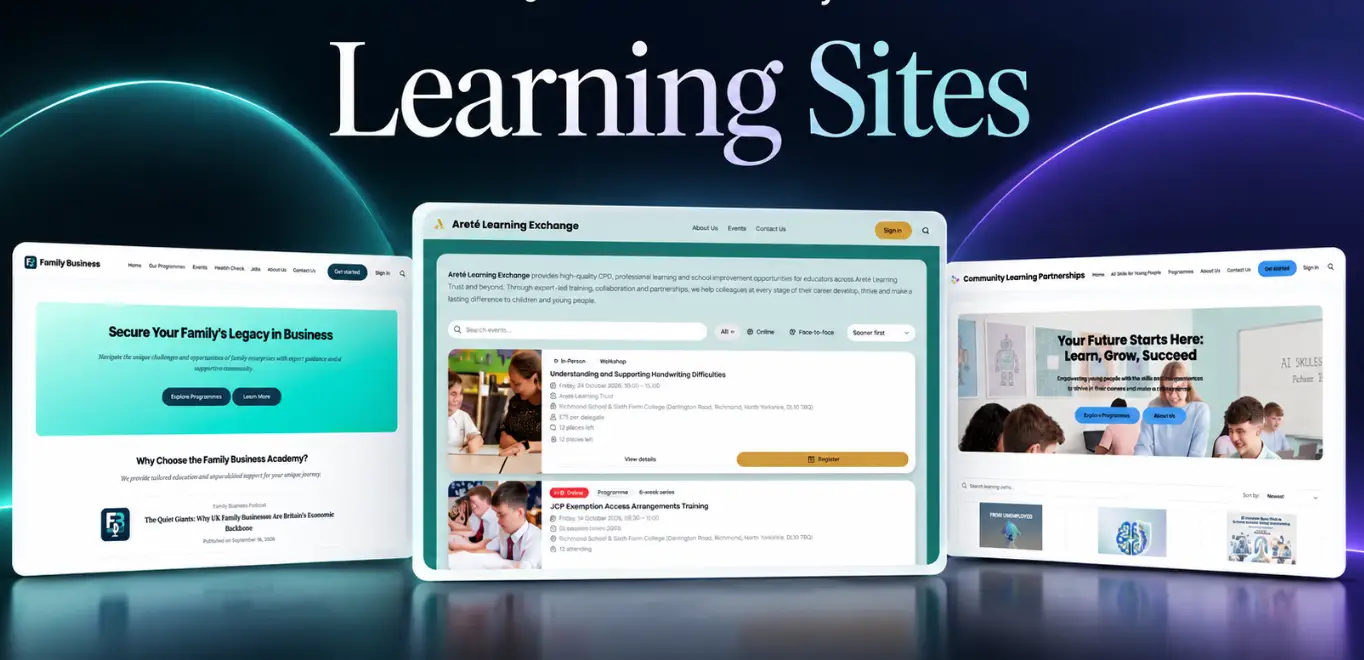
If you’re using a branded Learner Journey workspace as your website or learning community, your learning paths can become part of that experience.
You can embed and promote learning paths through your Learner Journey website, bringing your content, community, learning and events together rather than sending users between multiple disconnected platforms.
Create Free or Paid Learning Paths
Learning Paths don’t necessarily have to be free.
If you’ve connected a Stripe account, you can create paid learning experiences as well as free ones.
This opens up Learner Journey to organisations that want to monetise their knowledge.
A training provider, professional association, consultant, membership organisation or subject-matter expert could create a course with AI, publish it through their branded workspace, charge for access and deliver the learning from the same platform.
From Knowledge to Course in Minutes
The biggest change AI brings to course creation isn’t simply faster writing.
It’s the ability to turn knowledge that already exists into structured learning experiences.
A document can become a course.
A webpage can become a course.
A policy can become staff training.
An idea typed into a prompt can become a multi-page learning path complete with text, images, tables, quizzes and polls.
And because everything is created within Learner Journey, the course doesn’t end when the AI finishes generating the content.
You can edit it, enrol learners, track progress, award certificates, publish it through your website, share it with a link or sell access through Stripe.
Learner Journey takes you from an idea or existing piece of content to a complete, shareable learning experience — all in one platform.