How to streamline your CPD event management
For many organisations, running a professional development event begins with a familiar set of tools.

Founder, Learner Journey
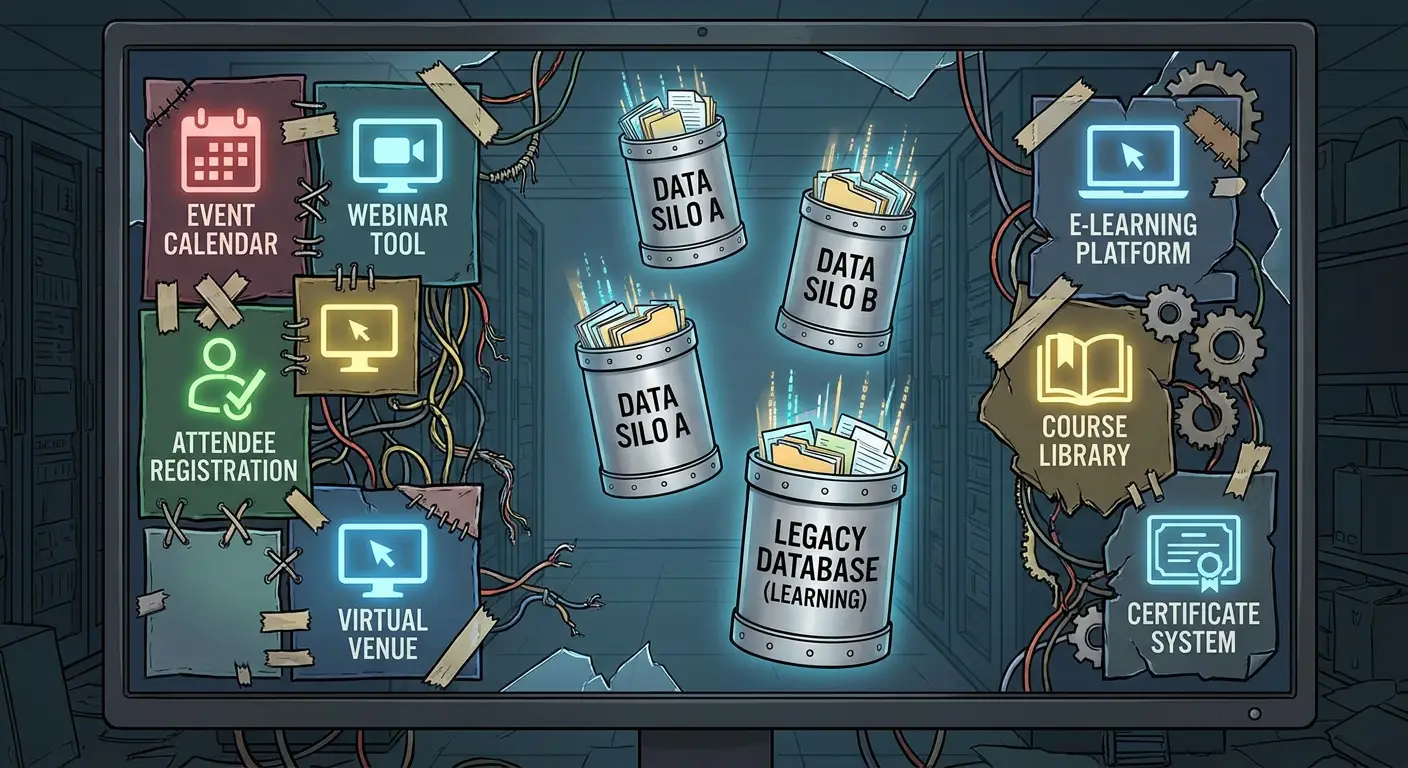
For many organisations, running a professional development event begins with a familiar set of tools.
A Google Form collects registrations. A spreadsheet records attendees. Emails provide joining instructions. Another system handles payments. Attendance may be recorded separately, while certificates are produced and sent after the event.
For a small number of events, the approach can work well.
But as professional development programmes grow, the amount of administration can increase rapidly.
The challenge is not necessarily the individual tools. It is the gaps between them.
When simple systems become complicated
Consider an organisation running a training day for 100 people.
Some participants register online. Others contact the organiser directly.
Some pay by card, while others require an invoice or purchase order.
Several cancel. A waiting list may be needed if the event reaches capacity.
On the day itself, attendance has to be recorded. Afterwards, participants may need certificates, learning materials or evidence of the hours of CPD they have completed.
Each task is relatively straightforward.
The difficulty comes from keeping the information consistent across several different systems.
An organiser may find themselves moving information between forms, spreadsheets, payment platforms and email accounts.
It also means that answering apparently simple questions can take time.
How many people attended?
Who cancelled?
Which invoices remain outstanding?
How many hours of CPD has a particular employee completed?
Which events are proving most popular?
If the information is spread across several systems, producing those answers can involve considerable manual work.
The cost of administration
The financial cost of using spreadsheets and online forms can be relatively low.
The less visible cost is staff time.
Professional development teams can spend hours checking attendee lists, responding to registration enquiries, chasing payments, sending reminders and producing certificates.
There is also the possibility of human error.
A participant might be missing from a spreadsheet. An email address could be copied incorrectly. A cancellation might not be reflected on the final attendee list.
These are small errors, but their impact grows as the number of events and participants increases.
Moving from forms to journeys
One alternative is to think about the entire participant journey rather than treating registration as a standalone process.
A typical CPD journey might look like this:
Discover → Register → Pay → Attend → Learn → Complete → Certify
A participant finds an event and registers online.
If payment is required, this is handled as part of the registration process. If the event is full, they can join a waiting list.
Before the event, reminders and information can be provided.
Attendance is then recorded against the same participant record.
Afterwards, the participant can receive a certificate or gain access to additional learning materials.
Connecting these stages reduces the need to repeatedly enter or transfer the same information.
What about certificates?
Certificates are a good example of a process which appears simple but can create significant administration.
An organisation running an event for 100 participants may need to check who actually attended, generate certificates, distribute them and respond to requests for replacements or corrections.
If attendance and certification are connected, much of that work can be automated.
A participant who meets the required attendance or completion criteria can automatically receive the appropriate certificate.
The organisation also retains a record of what was issued and when.
Better information for organisations
Bringing event and learning information together can also change the way professional development is measured.
Instead of simply knowing how many people registered, organisations can examine attendance, completion and engagement.
They can identify popular topics, events with high cancellation rates and areas where additional training may be required.
For employers, schools and other organisations, this can provide a clearer picture of professional development across their workforce.
It can also make it easier to demonstrate that required training has been completed.
Connecting the event with the learning
There is a wider issue.
Professional development does not necessarily begin and end with an event.
A participant might attend a workshop and then need to watch a video, read additional material, complete an assessment or take part in further learning.
Traditionally, those activities may happen on entirely different platforms.
Newer systems are increasingly attempting to connect the two.
Learner Journey, developed by Webanywhere, is one example. The platform combines event management with online learning.
Organisations can publish events, manage registrations, accept payments or invoice requests, control capacity, operate waiting lists, record attendance and issue certificates.
Participants can then continue into learning pages, videos, quizzes, assessments and learning paths within the same platform.
The aim is to reduce the number of separate systems required to manage the process.
Five questions to ask
Organisations considering whether their existing system is still suitable can start by asking five questions:
How quickly can we identify who attended our events?
Can we see who registered but failed to attend?
Can we easily identify outstanding payments or invoices?
Do we have one record of an individual’s CPD activity?
Can we identify which events and subjects are generating the most interest?
If answering those questions requires information from several spreadsheets, forms and email accounts, there may be an opportunity to simplify the process.
Are spreadsheets disappearing?
Probably not.
Spreadsheets remain one of the most useful and flexible tools available to organisations.
Google Forms and similar services also provide a quick and inexpensive way of collecting information.
The question is not whether organisations should stop using them.
It is whether they are being asked to perform jobs for which they were never designed.
For a small training programme, a spreadsheet may be entirely adequate.
But when an organisation is managing hundreds or thousands of registrations, payments, attendance records and certificates, the calculation begins to change.
At that point, the cost of a system is not simply what an organisation pays for software.
It is also the amount of staff time required to keep everything else working.
For organisations running growing CPD programmes, that may be the more important number.