One platform ends event management fragmentation
Create the event. Invite people. Take bookings. Run it. Record attendance. Follow up.
Create the event. Invite people. Take bookings. Run it. Record attendance. Follow up.
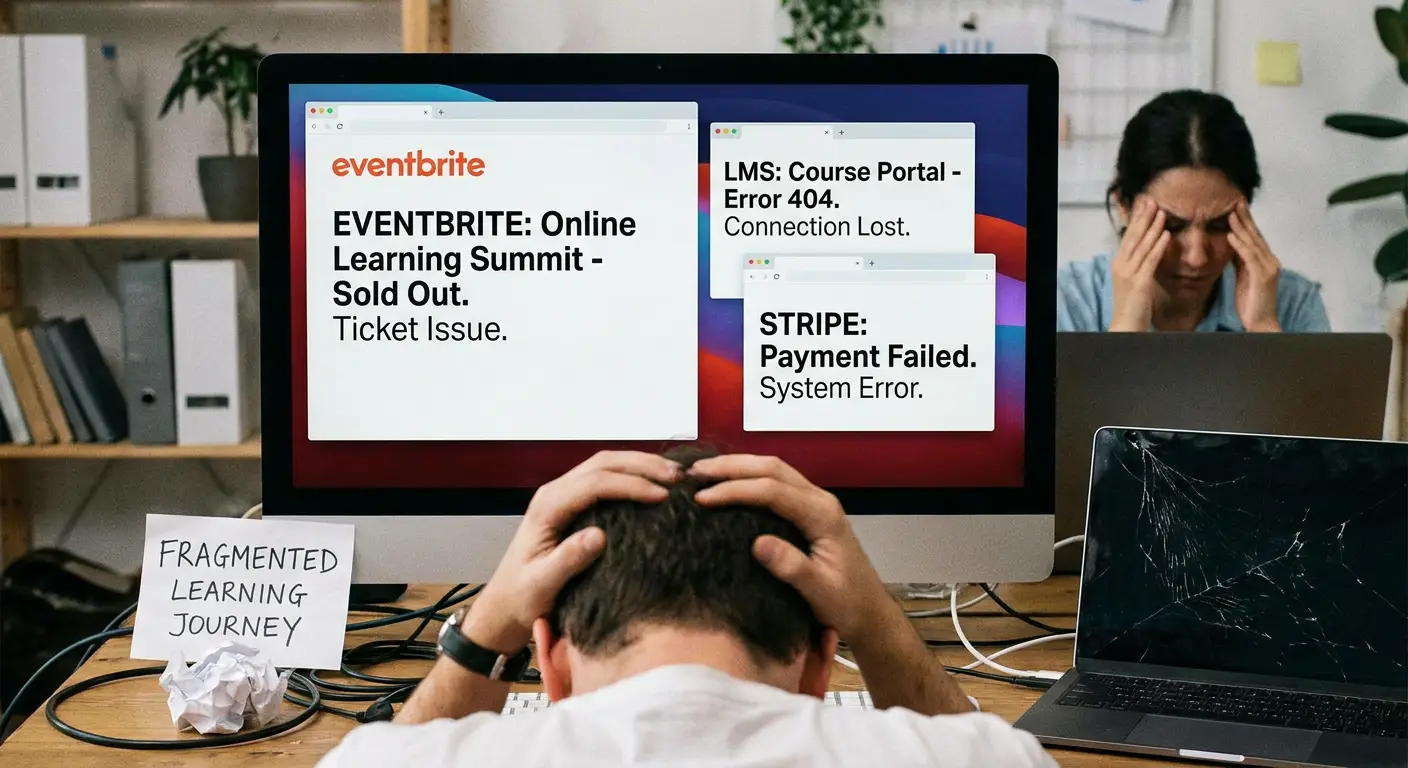
Yet in many organisations, managing an event involves five, six or even ten different systems.
The event might be advertised on a website. Registrations arrive through Microsoft Forms or Google Forms. Attendee information sits in a spreadsheet. Payments are processed somewhere else. Joining instructions are sent manually by email. Learning resources live in an LMS. Certificates are created separately. And when somebody asks for an attendance report six months later, somebody has to piece everything back together.
None of these tools is necessarily bad.
The problem is fragmentation.
The hidden complexity behind a simple event
Imagine a professional development team running 50 events a year.
Their process might look something like this:
Website → Form → Spreadsheet → Email → Payment system → Teams/Zoom → LMS → Certificate → Reporting spreadsheet
Every arrow represents another handover.
Every handover creates administration.
Names get entered twice. Email addresses are copied between systems. Attendance records don’t match registration records. Finance needs a separate spreadsheet. Certificates have to be generated manually. Learning materials sit somewhere entirely different.
And the participant experiences the fragmentation too.
They register in one place, receive emails from another, attend somewhere else and then have to find a different system to access resources afterwards.
There is a better way.
Learner Journey brings the whole event journey together
Learner Journey is designed around a simple idea:
The event shouldn’t be separate from the learning journey around it.
Instead of connecting a collection of unrelated tools, organisations can manage the complete experience from one platform.
With Learner Journey you can:
Create public or private events
Publish branded event pages
Manage registrations and capacity
Run free or paid events
Accept card payments
Support invoices and purchase orders
Create discount codes
Invite specific audiences
Restrict internal events
Operate waiting lists
Capture custom registration information
Manage cancellations and rescheduling
Export attendee information
Record participation
Issue branded certificates
Provide associated learning resources
Build courses and learning pathways
Give participants access to an AI Tutor
Track engagement and progress
Instead of an event being an isolated transaction, it becomes part of a continuous learning experience.
Before Learner Journey
Consider a trust, university or professional body organising a leadership development workshop.
The team creates a page on its website.
It adds a link to a Microsoft Form.
Someone regularly downloads the responses into Excel.
Another person sends confirmation emails.
Finance manually raises invoices for organisations paying by purchase order.
When the event reaches capacity, somebody has to close the form.
A separate waiting list is maintained.
After the event, attendance is reconciled against the booking spreadsheet.
Certificates are produced.
Slides are emailed to participants.
Feedback is collected through another form.
Three months later, somebody wants to know:
Who attended? What other training have they completed? What did they learn?
Answering that question shouldn’t require detective work.
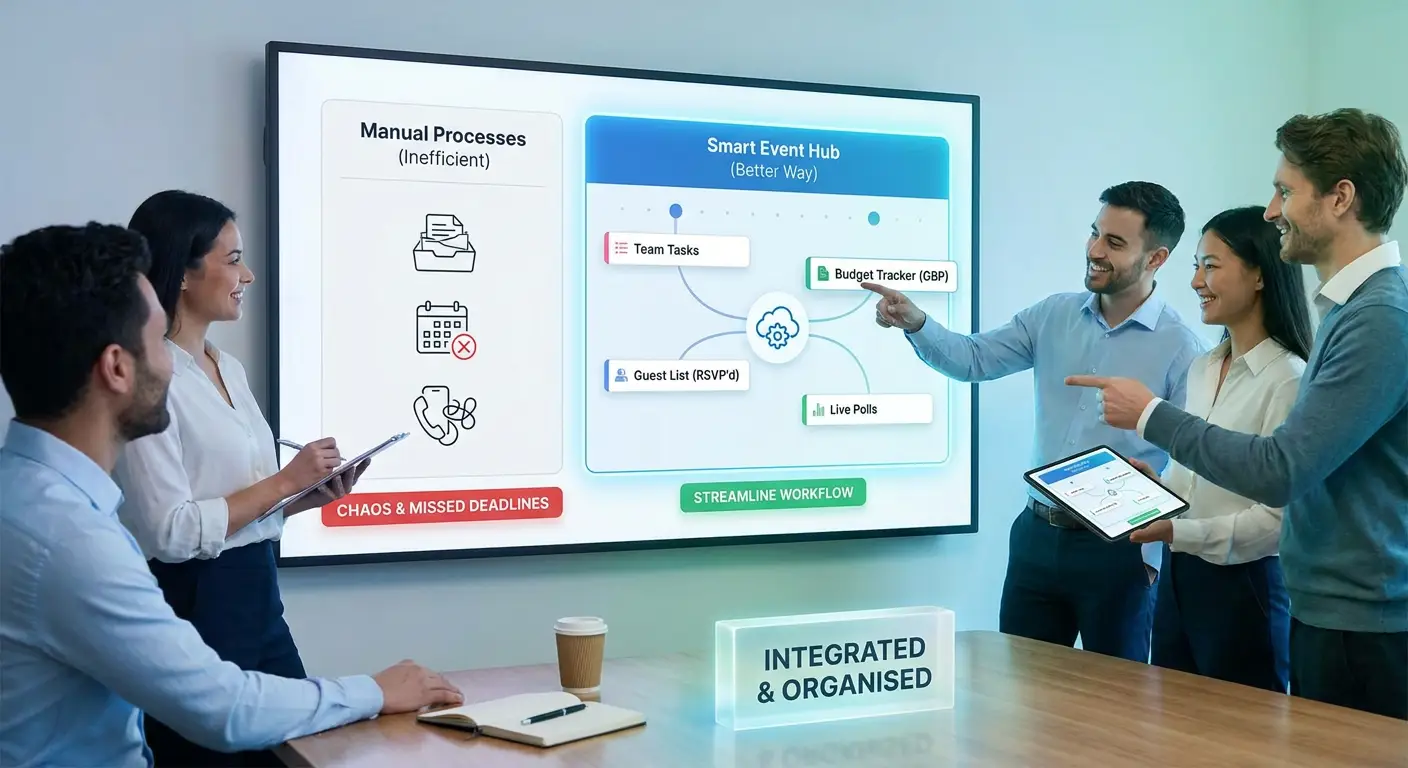
After Learner Journey
The same organisation creates the event inside Learner Journey.
It sets the date, location, capacity, registration questions and ticket options.
The event receives its own branded page.
People register.
If payment is required, they can pay by card or follow the organisation’s invoice and purchase-order process.
If the event fills up, participants can join the waiting list.
Internal events can be restricted to approved audiences. Invite-only events can be shared with selected participants.
The event takes place.
Participants can then receive certificates and continue into associated resources, courses, assessments or learning pathways.
The organisation retains the information about the experience in one place.
Event management becomes learning management.
This matters particularly for CPD
This is where the difference becomes particularly powerful.
Traditional event platforms tend to finish their job when somebody buys a ticket or checks in.
But for CPD, that’s often where the important part starts.
Attending a two-hour workshop isn’t necessarily the objective.
The objective is developing knowledge, changing practice and demonstrating professional development.
Learner Journey can connect an event to a wider learning experience.
For example:
Book workshop → Attend → Access resources → Complete learning → Take assessment → Receive certificate → Continue learning
That makes the platform particularly relevant for multi-academy trusts, teaching school hubs, universities, membership organisations, charities, training providers and professional bodies.
Face-to-face, online and blended events
Not every event needs to work in the same way.
Learner Journey can support in-person, online and blended experiences.
An organisation might use it for a 30-person CPD workshop on Tuesday and a large professional conference later in the year.
The underlying principle remains the same:
Keep the participant, event and learning experience connected.
One identity instead of disconnected records
There is another important advantage to bringing events and learning together.
You begin to build a much clearer picture of engagement.
Instead of having:
Sean Gilligan in an event spreadsheet
and
S. Gilligan in the LMS
and
sean@example.com in a certificate system
you have one learner journey.
Over time, that can provide a much richer record of someone’s professional development.
They attended this event.
Completed this course.
Passed this assessment.
Received this certificate.
Registered for this upcoming workshop.
That’s much more valuable than another spreadsheet containing 600 names.
Better for administrators
The immediate benefit is reduced administration.
Teams spend less time copying information between systems, reconciling spreadsheets, manually producing certificates and answering routine questions.
But there is a bigger benefit.
Your processes become easier to scale.
Running 10 events using spreadsheets may be manageable.
Running 100 becomes painful.
Running hundreds across departments, schools, regions or member organisations can require an entire administrative infrastructure.
A joined-up platform changes that equation.
Better for participants
Participants shouldn’t need to understand your technology stack.
They shouldn’t care whether your website runs on one platform, your forms on another and your LMS somewhere else.
They simply want to know:
What can I attend?
How do I register?
Where are my resources?
What do I need to do next?
Where is my certificate?
Learner Journey provides a much more coherent answer.
And better data
Fragmented systems create fragmented data.
That’s increasingly problematic when organisations need to demonstrate impact.
A MAT might want to understand CPD participation across its schools.
A professional body might want to understand member engagement.
A university might want to see which teachers attended outreach events and subsequently completed additional professional learning.
A charity might need to report activity to a funder.
When registration, attendance, learning and certification are connected, reporting becomes considerably more meaningful.
The real alternative to another event platform
Learner Journey isn’t simply designed to replace Eventbrite.
It can potentially replace the collection of systems surrounding Eventbrite.
The form.
The spreadsheet.
The manual emails.
The payment process.
The learning platform.
The resource library.
The certificate generator.
Parts of the reporting process.
That’s where the real value of consolidation appears.
Every organisation will still have specialist systems it needs to retain. The goal isn’t to pretend that one piece of software should replace absolutely everything.
The goal is to remove unnecessary fragmentation from the participant journey.
Events are journeys, not transactions
Perhaps the biggest change is conceptual.
Most event software treats an event as a transaction:
Discover → Register → Attend → Finished
Learner Journey can treat it as a journey:
Discover → Register → Attend → Learn → Reflect → Demonstrate → Certify → Continue
That’s a fundamentally different model.
And for organisations where events exist to develop people rather than simply sell tickets, it’s a much more natural one.
Ready to simplify your event management?
If your organisation is currently managing events through a combination of websites, forms, spreadsheets, emails, payment systems and learning platforms, Learner Journey could help bring that process together.
You don’t necessarily need another integration.