How to Manage Events with Learner Journey
Discover how Learner Journey simplifies event management, bringing creation, promotion, registration, payment, and certification into one seamless platform for all your workshops, webinars, and conferences.

Founder, Learner Journey
Running an event should be simple.
But in many organisations, it isn’t.
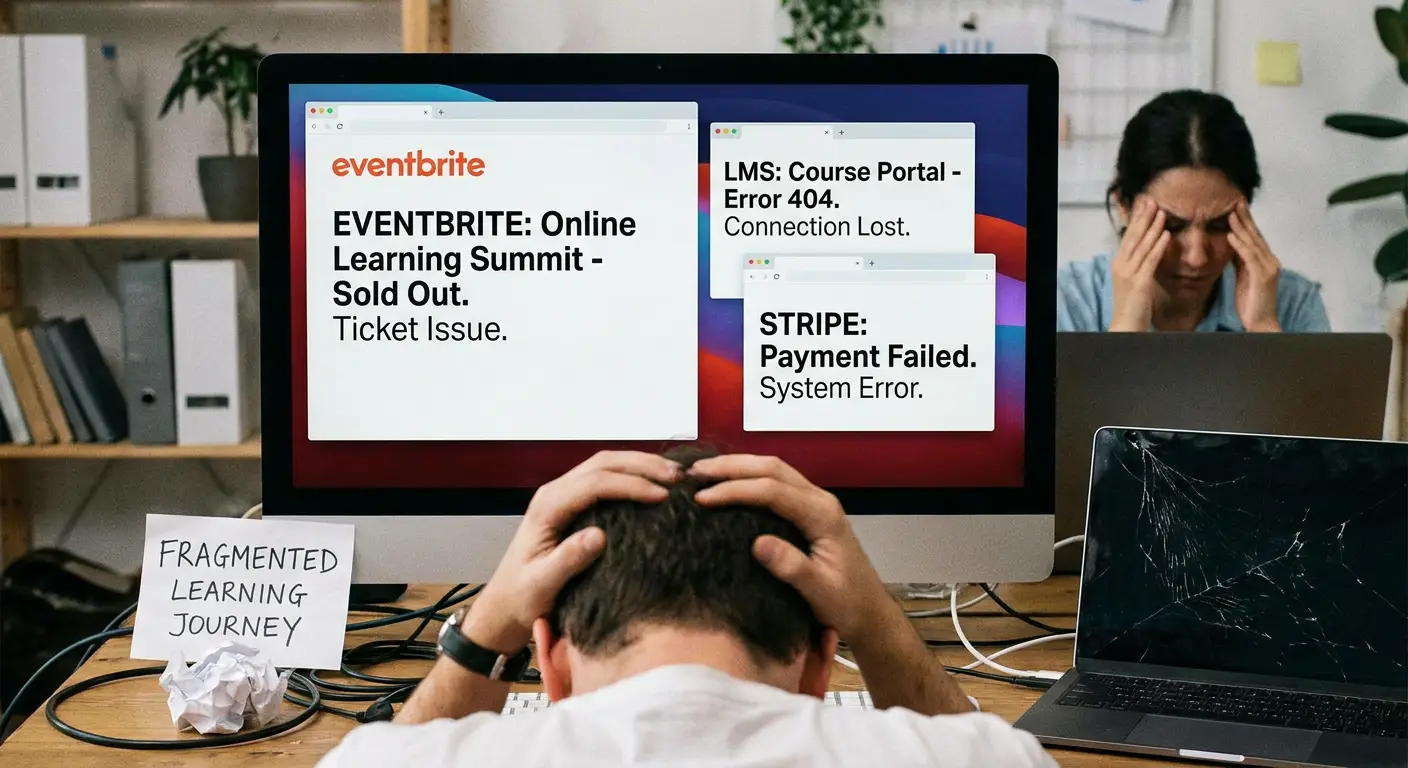
The event might be advertised on your website. Registrations arrive through Google Forms or Microsoft Forms. Attendee details sit in a spreadsheet. Payments are handled somewhere else. Emails are sent manually. Joining instructions live in someone’s inbox. Certificates are another job for after the event.
For one webinar, workshop or CPD session, that might be manageable.
Run dozens of events a year and the cracks quickly begin to show.
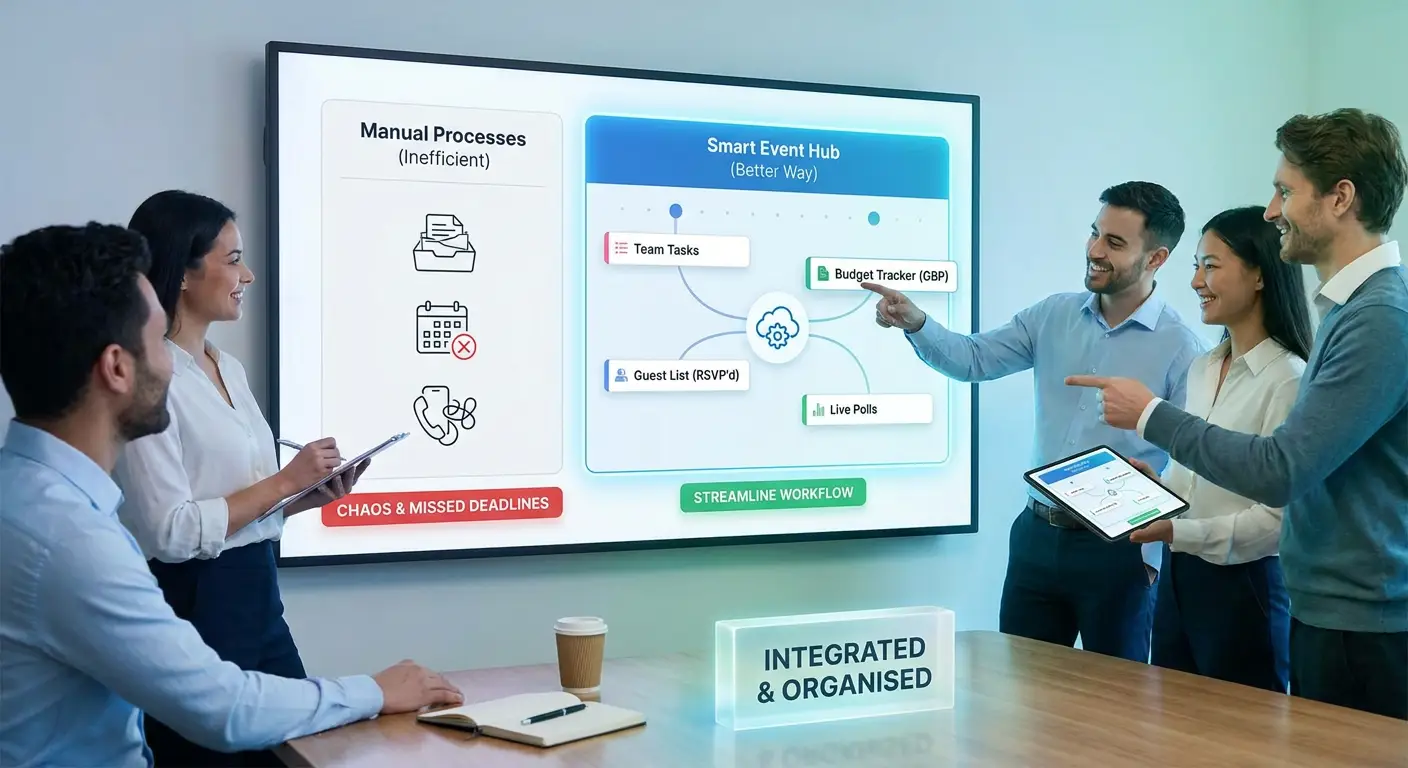
Learner Journey brings the entire event journey together in one place — from creating and promoting an event through to registration, payment, attendance and certification.
Create an event in minutes
With Learner Journey, you can create webinars, workshops, conferences, CPD sessions, training courses and in-person events from one platform.
Add your event title, description, date, location, capacity, speakers, pricing and registration information.
You can also use AI to help generate event descriptions and promotional content, turning a few basic details into a professional event page much faster.
Need an image?
AI can help create event imagery too.
Instead of jumping between a CMS, design tool, forms platform and event system, you can build the event in one place.
Create a professional event page
Every event can have its own public page that provides attendees with the information they need.
That can include:
Event description and agenda
Dates, times and duration
Venue or online information
Speaker details
Ticket prices
Places remaining
Registration options
Related events
Frequently asked questions
Your event becomes something you can simply share.
You can also embed events into your existing website, allowing organisations to maintain their existing web presence while using Learner Journey to manage what happens behind the scenes.
Manage registrations without spreadsheets
This is where Learner Journey starts removing a lot of administration.
Instead of registrations disappearing into forms and spreadsheets, attendees register directly against the event.
You can manage attendee information, capacity and registration status centrally.
Events can be configured for different audiences and purposes, including open registration, invite-only events, external registration and internal events.
For organisations running staff CPD, membership programmes or private training, this means the same platform can support both public and restricted events.
Sell tickets online
Learner Journey also supports paid events.
Using Stripe, you can take card payments as part of the registration process.
You can offer:
Paid tickets. Discount codes. Promotional codes. Invoice payments. Purchase orders. Finance contact details.
That makes Learner Journey suitable for everything from a £20 workshop to a larger professional development conference.
Rather than connecting an event page to a form, then a payment service, then manually reconciling everything afterwards, the information stays connected to the event.
Manage capacity and waiting lists
Popular event?
Set the number of available places and Learner Journey can help manage capacity.
When an event fills up, attendees can join a waiting list rather than simply reaching a dead end.
This gives event organisers much better visibility over demand while making it easier to fill places that become available.
Keep attendees informed
Registration is only the beginning of the attendee journey.
Before an event, people need confirmations, reminders, joining instructions and updates.
Afterwards, they may need follow-up information, resources or certificates.
Learner Journey keeps the attendee relationship connected to the event rather than leaving organisers to manually piece everything together from spreadsheets and email lists.
Issue certificates
For professional development and training events, attendance is often part of a wider learning journey.
That is an important difference between Learner Journey and a standalone ticketing platform.
Learner Journey can issue certificates for events, providing attendees with evidence of their participation or professional development.
Certificates can be branded, emailed to attendees and verified online.
And because events sit alongside learning content, quizzes, assessments and learning paths, an event doesn’t have to exist in isolation.
A workshop could be followed by an online learning resource.
A conference could lead into a learning community.
A CPD session could form part of a wider professional development pathway.
The event becomes part of the learner journey rather than the end of it.
One platform instead of six disconnected tools
This is perhaps the biggest benefit.
Many organisations haven’t deliberately designed a complicated event-management process. It has simply evolved.
The website does one job.
Microsoft or Google Forms does another.
Excel holds the attendee list.
Stripe takes payments.
An email platform sends communications.
Another system stores learning resources.
And somebody has to hold all of those pieces together.
Learner Journey provides an alternative.
Create → Promote → Register → Pay → Attend → Learn → Certify
All within the same environment.
That means less duplication, fewer spreadsheets and less administration for the people organising events.
It also gives organisations a clearer picture of engagement.
Instead of knowing that somebody attended an event, you can begin to understand what they did next.
Did they complete the related learning?
Did they attend another event?
Did they earn a certificate?
Are they progressing through a wider learning pathway?
That is particularly valuable for organisations delivering CPD, professional learning, membership programmes, training and community-based learning.
From webinars to conferences
Learner Journey can support a wide range of events, including:
Webinars
CPD sessions
Workshops
Conferences
Networking events
Training days
Member events
Internal staff development
In-person events
Online events
You don’t need a different process for every type of event.
You create the experience you need and manage it from the same platform.
Events shouldn’t be separate from learning
The interesting question isn’t simply:
“How do we manage this event?”
It’s:
“What do we want people to do before, during and after it?”
That is where Learner Journey is different.
An event can be the starting point for a much longer relationship with a learner, employee, member or professional.
They attend.
They learn.
They access resources.
They complete activities.
They join a community.
They attend the next event.
They build capability over time.
And the organisation gets a much clearer view of that journey.
See Learner Journey Events in action
We’ve created a short demonstration showing how easy it is to create and manage an event with Learner Journey — including AI-generated content and images, registrations, speakers, attendee communications, website embeds, Stripe payments, discounts and promotional codes.
Whether you’re organising a single workshop or managing an entire programme of professional development events, Learner Journey gives you one place to manage the journey from promotion through to participation and learning.