
27 videos
Title: AI Whiteboard: Turn Any Prompt Into a Diagram in Seconds
September 2, 2026 · 0 plays
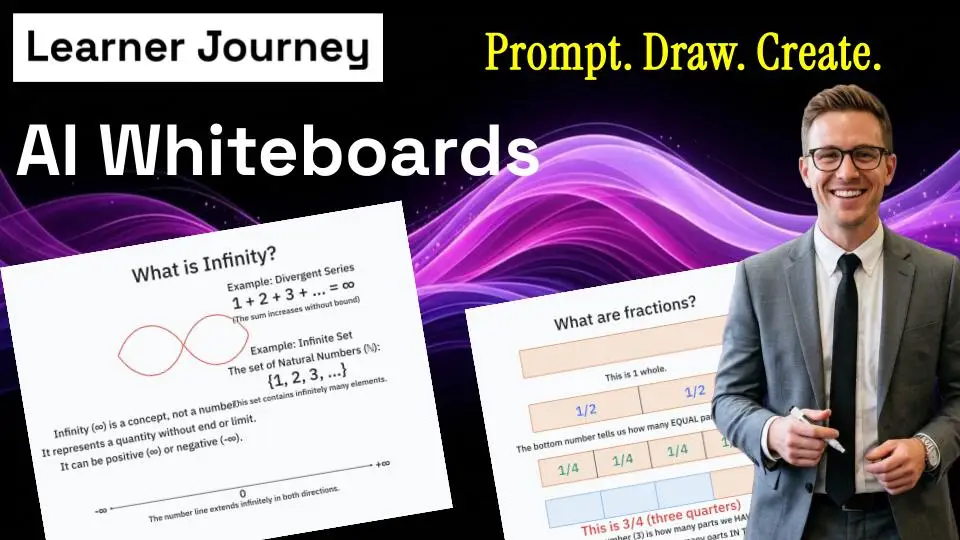
Imagine describing an idea and watching AI draw it for you in seconds. With our AI Whiteboard, you can turn a simple prompt into diagrams, visual explanations and AI-generated drawings — without spending valuable time manually creating shapes, connecting boxes or designing layouts. ✏️ Draw images with AI 🧠 Prompt → diagram in seconds ⚡ Visualise complex ideas instantly ⏱️ Save hours creating diagrams 🎯 Perfect for teaching, training and brainstorming Simply describe what you want to visualise and let AI do the drawing. Prompt it. Draw it. Done.
Learner Journey Jobs & Candidate Management | Recruit Smarter
August 17, 2026 · 1 plays
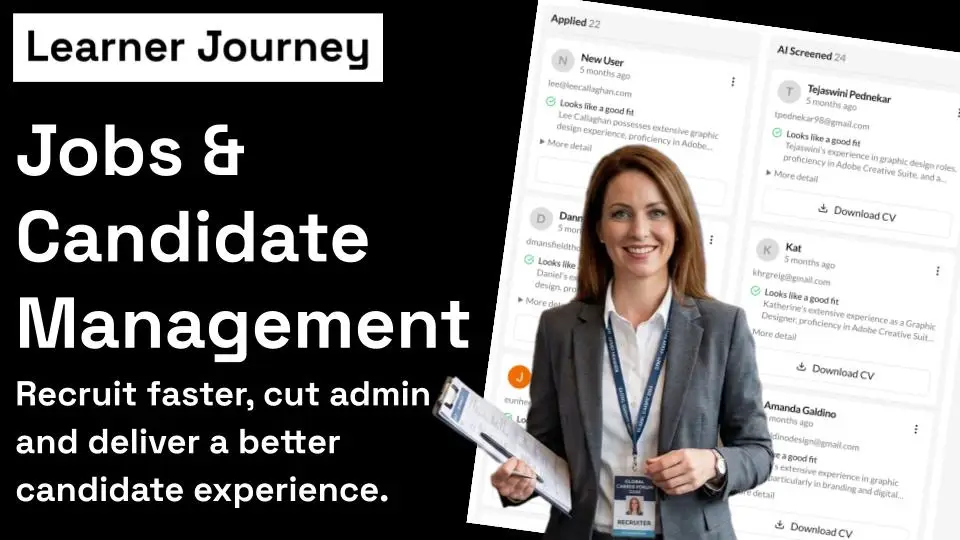
Discover how Learner Journey Jobs and Candidate Management makes recruitment simple from start to finish. In this quick tutorial, you’ll see how to publish jobs, view applicants, drag and drop candidates through different recruitment stages, invite candidates to interview, reject applications and automatically keep candidates updated by email. Spend less time on recruitment admin and more time finding the right people. Start recruiting smarter with Learner Journey. Create your workspace and manage your entire recruitment process in one place.
How to Create, Promote & Manage Events with Learner Journey
August 16, 2026 · 0 plays
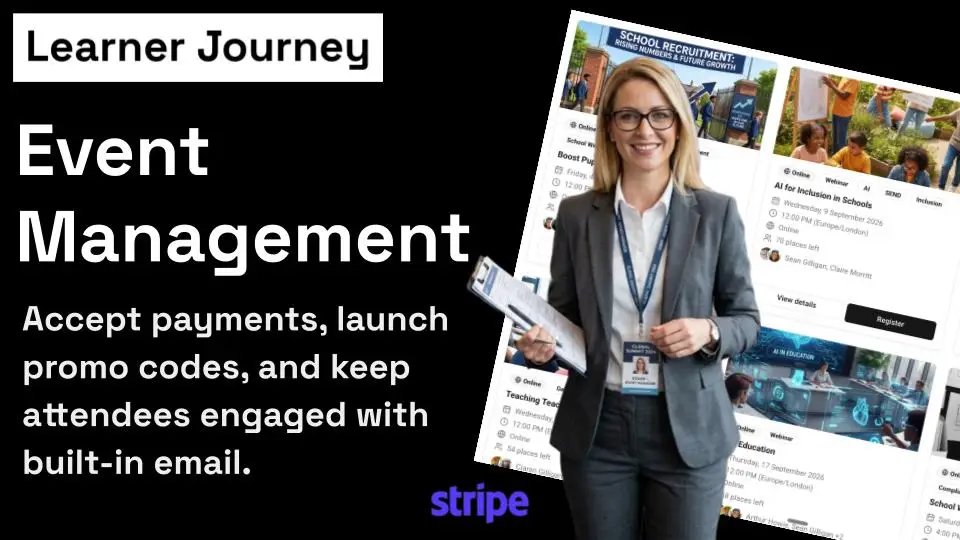
See how easy it is to create and manage events with Learner Journey. Use AI to generate event content and images, manage registrations and speakers, email attendees, embed events on your website, and even sell tickets with Stripe, discounts and promo codes. From webinars and workshops to conferences and in-person events, everything can be managed in one place.
How to Build & Edit a Website with Learner Journey | Quick Tutorial
August 16, 2026 · 0 plays
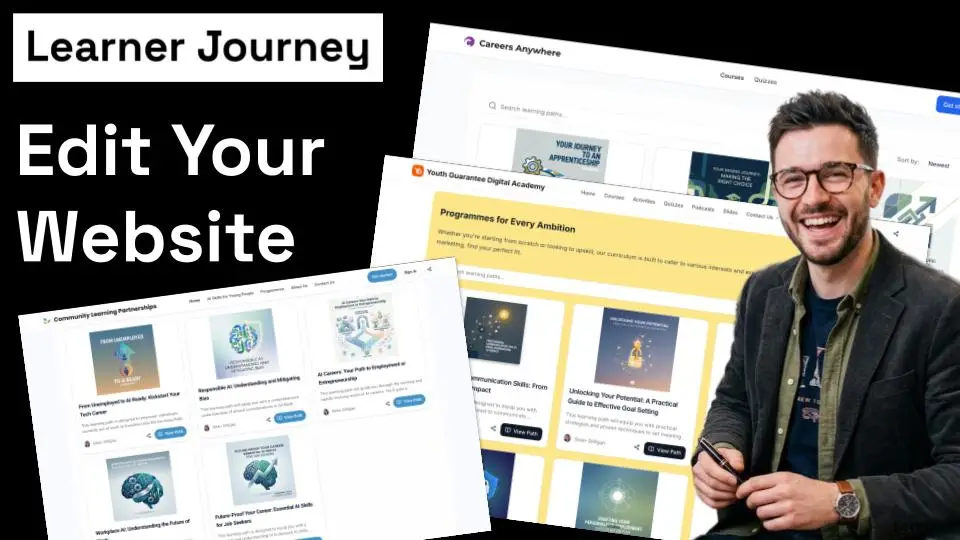
Discover how easy it is to build and edit a website with Learner Journey. Add pages, rows, blocks and widgets, then bring your website to life with learning paths, events, payments, donation buttons, slides, forms, surveys, polls and much more. Learner Journey gives you the tools to create an interactive website and manage your content from one connected workspace.
Build a Learning Website in Minutes with Learner Journey (No Coding)
March 6, 2026 · 4 plays
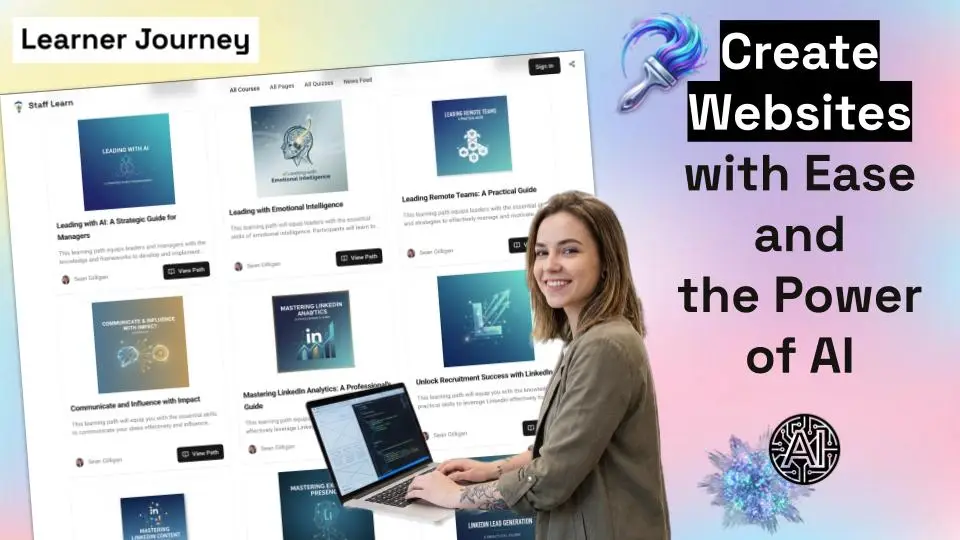
In this tutorial, we show you how easy it is to build a professional learning website using Learner Journey. You’ll learn how to edit pages, add blocks, insert content like videos, quizzes, podcasts, and learning paths, and customise your navigation and site settings. Whether you’re creating a course platform, knowledge hub, community site, or learning portal, Learner Journey gives you powerful tools to build and publish your site quickly. We also explore features such as post feeds, page analytics, navigation menus, page privacy settings, and learning path collections that automatically publish your courses onto your website. Perfect for: • Teachers • Trainers • Course creators • Learning designers • Businesses sharing knowledge Create beautiful learning websites without coding.
Create a Full Online Course in Minutes with AI using the Learner Journey AI Course Creator
March 3, 2026 · 1 plays
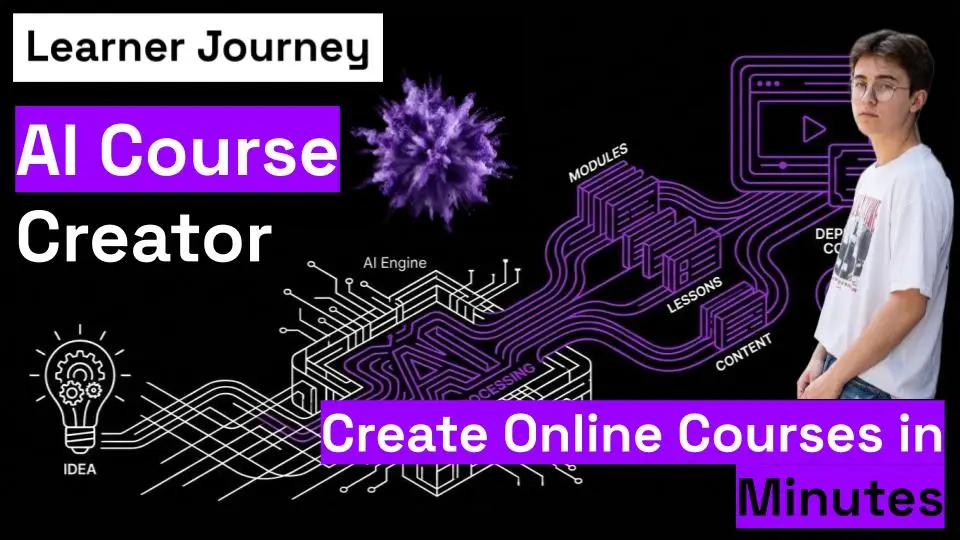
What if you could turn an idea into a complete online course in minutes? In this video, we show you how to use the Learner Journey AI Course Creator to build a fully structured learning path — complete with text, images, tables, quizzes and polls — in just a few clicks. Simply enter your course topic (like Digital Marketing for Beginners), set your audience, style and length preferences, and let AI agents generate the entire course outline and content for you. No blank page. No complex setup. No weeks of content writing. Once built, you can edit, add podcasts or videos, and share publicly or privately inside your Learner Journey Workspace. If you create courses, train teams, teach students, or sell knowledge online — this is the fastest way to bring your ideas to life.
AI Page Wizard: Create Learning Pages in Minutes!
February 11, 2026 · 1 plays
Discover the Learner Journey AI Page Wizard! Create complete learning pages in minutes, not hours. We'll explore the Advanced Settings, letting you tailor content for kids, teens, experts & more! Choose writing style, structure & length, then generate a ready-to-use first draft. Stop formatting, start learning!
Monetise Your Learner Journey Workspace
February 11, 2026 · 2 plays

Learn how to easily add payments to your Learner Journey workspaces! Turn your courses, memberships and learning communities into revenue streams. Connect your Stripe account and set your prices to start monetising your content today. Perfect for online courses and paid communities.
Learner Journey Photos: Edit Images Fast with Magic Edit
February 3, 2026 · 1 plays
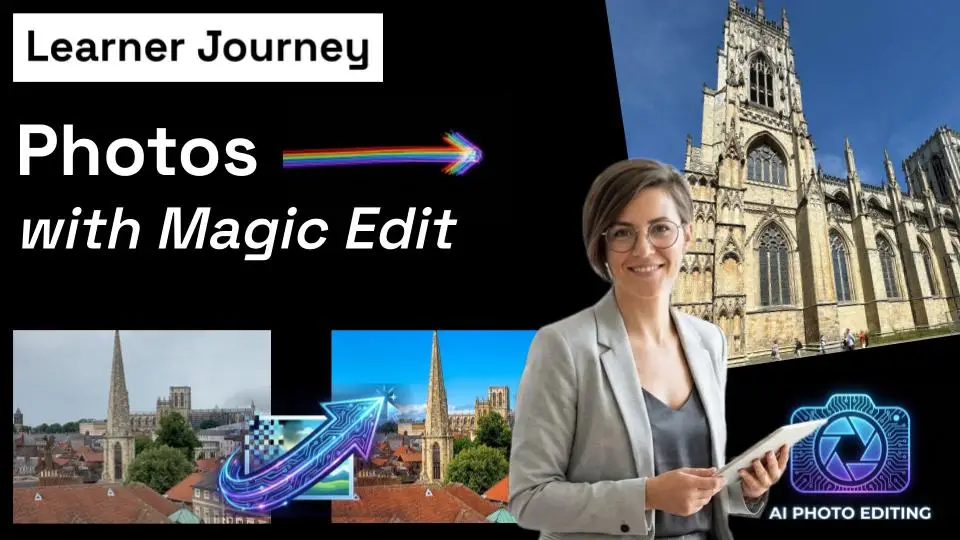
Discover how Learner Journey Photos with Magic Edit makes it easy to upload, edit, and enhance images—all in one place. In this short walkthrough, you’ll see how to resize, crop, adjust colours, and use AI-powered Magic Edit to improve photos in seconds, without switching tools. Save time, keep your originals safe, and create clean, professional-looking learning pages and social posts that elevate the look and feel of every learner journey.
AI Whiteboards: Visualise Ideas Instantly!
January 27, 2026 · 0 plays
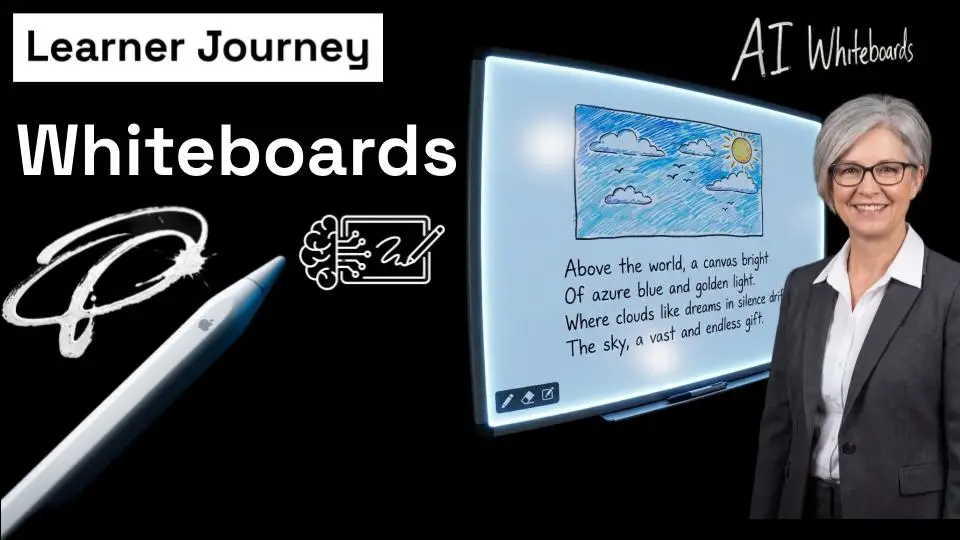
Unleash your creativity with AI Whiteboards in Learner Journey! This tutorial shows you how to quickly generate images and text with AI, annotate with freehand drawing, and arrange elements to create interactive visual spaces. Learn how to use the eraser, sticky labels and arrows to highlight ideas and create visual connections. Transform your ideas into reality today!
Create AI-Powered Interviews in Minutes
January 27, 2026 · 0 plays
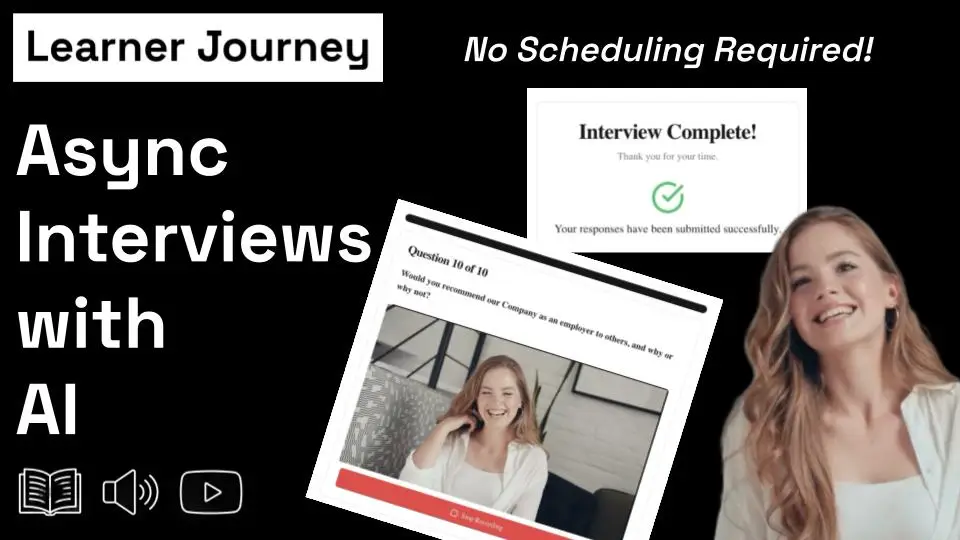
Interviews don’t need to be scheduled, stressful, or time-consuming. In this video, we show how Learner Journey lets you create AI-powered interviews in seconds using a single prompt. The AI generates the interview title, description, and questions automatically — with responses captured through text, audio, or video.
AI Group Coaching: A Learner Journey
January 23, 2026 · 0 plays
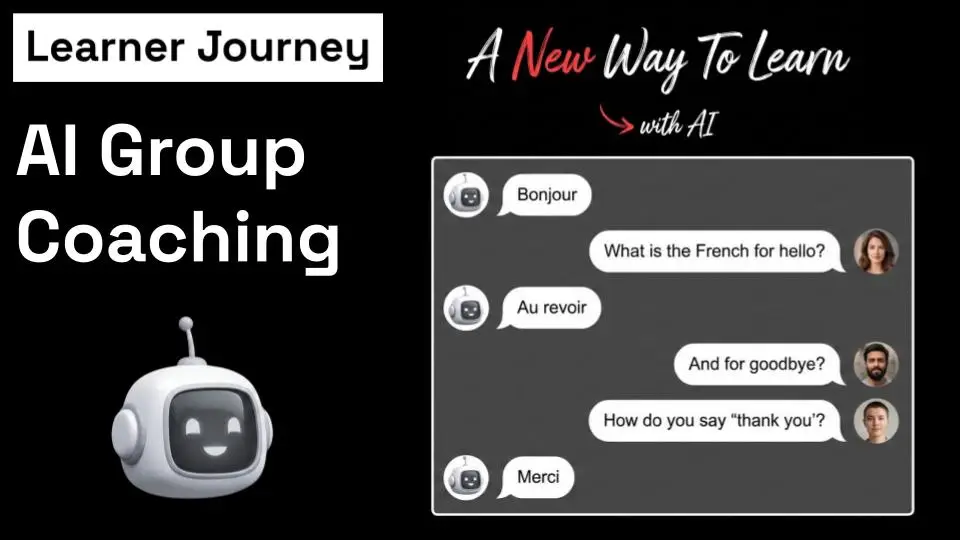
Discover AI-powered group coaching on Learner Journey! This video shows you how to start a session, invite participants, engage in discussions via text or voice, and receive personalised feedback with actionable next steps. Transform conversations into results! Learn more at learnerjourney.com.
AI Coaching Made Easy: A Quick Guide
January 22, 2026 · 1 plays

Discover how to create and run AI coaching sessions on Learner Journey! This video walks you through each step, from setting goals and adding knowledge bases, to starting sessions and inviting collaborators. Learn how to tailor the experience with custom messages, voice input, and flexible settings. Plus, find out how to review past conversations for continuous improvement. Get started with AI-powered learning today!
Create Interactive Assessments with Learner Journey
December 29, 2025 · 0 plays

Discover how to quickly create interactive assessments using Learner Journey! This video walks you through creating assessments with weighted scores, embedding them in posts and public pages, and viewing results. Learn how to use AI to generate questions and answers, customise your assessments, and share them with anyone. Start measuring insight today!
AI-Powered Hiring with Learner Journey
October 21, 2025 · 0 plays
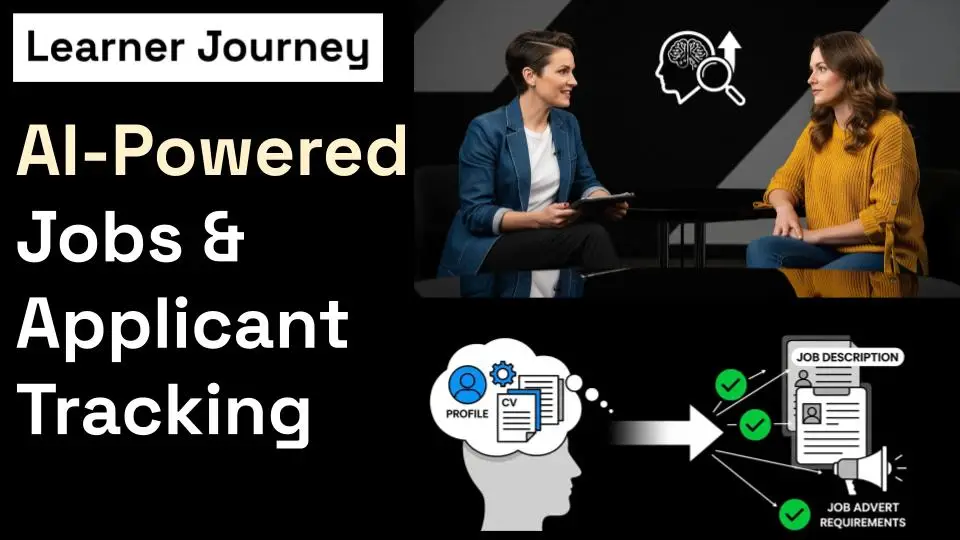
Hiring just got smarter, faster, and more human. With Learner Journey Jobs, you can create a full job advert from a single AI prompt. Simply describe the role — “We’re hiring a Maths Teacher with leadership experience” — and Learner Journey instantly generates your job post. You can then review, edit, and publish it in seconds. Applicants can apply directly online, creating rich profiles that include their bio, learning goals, and CV. Our AI compares each profile and CV to your job description and requirements to calculate a match score, helping you shortlist more efficiently — while human judgment always makes the final call. Everything you need is in one place: ✅ AI job creation ✅ Applicant tracking and communication via text, audio, or video ✅ Built-in assessment tools for projects and certificates ✅ Smart booking and interview scheduling ✅ Private, branded community spaces for your organisation Your Learner Journey site is your secure, branded walled garden — fully customisable as private or public, invite-only or self-registration. 🚀 Smart. Simple. Human-centred hiring — powered by AI.
Unlock Learning with Speech-to-Text & Text-to-Speech!
October 20, 2025 · 0 plays
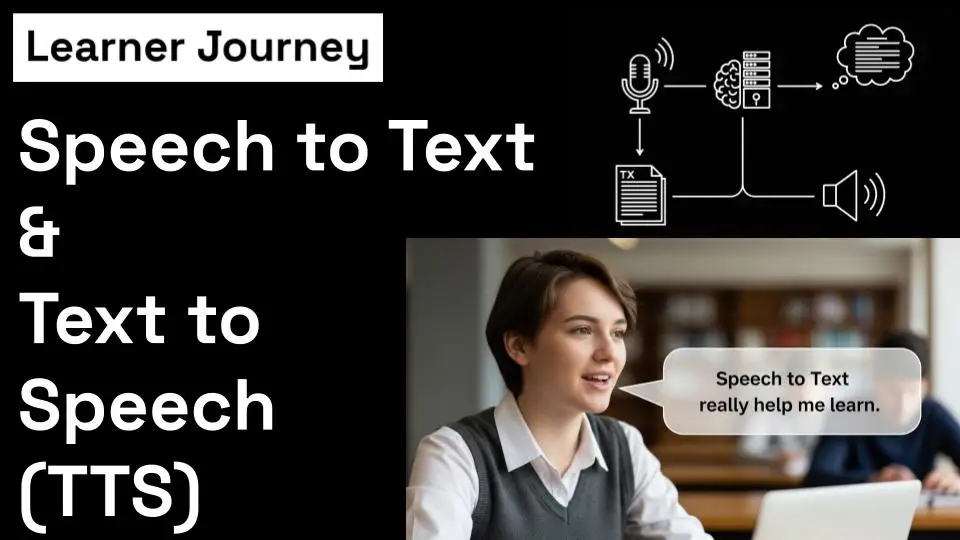
Discover how speech-to-text and text-to-speech tools are revolutionizing education! Instantly transcribe voice to text, add audio instructions, and have text read aloud. Perfect for dyslexia, ADHD, autism, and diverse learning styles. Create interactive lessons with images, videos, and more! Try it free at learnerjourney.com.
Onboarding to Learner Journey: Sign Up, Create a Workspace & Build Your First Learning Path
October 16, 2025 · 0 plays
Welcome to Learner Journey, the AI-first social learning platform that turns your ideas into interactive lessons in seconds. In this onboarding video, you’ll learn how to: ✅ Sign up for your Learner Journey account ✅ Create your first workspace — a digital hub for your lessons, projects, or school community ✅ Build pages with text, images, quizzes, and videos instantly from a single prompt ✅ Organise pages into learning paths to guide learners step by step through your content By the end of this video, you’ll be ready to invite others, collaborate, and start creating engaging AI-powered learning experiences.
How to Post with AI
August 23, 2025 · 0 plays

We explore how posting with AI transforms the way you share content. When you create a post, AI can enhance your writing instantly. You can generate text in short, medium, or long form—perfect for anything from a quick update to a detailed insight. Need to share a long report or article? AI can summarize documents into clear, concise posts for you. You can also enrich your posts with links, making it easy for others to access additional resources. And when visuals matter, you can prompt AI to generate images that bring your ideas to life. Learner Journey also introduces Pearls—powerful posts created from a single prompt using AI. With one idea, you can produce a polished, engaging piece of content in seconds. Want to use your voice instead? Simply record audio. Every recording is fully transcribed into grammatically correct, punctuated sentences—ready for your audience to read or listen to. The same goes for video: upload a video, and Learner Journey provides a full transcript alongside it. If you’re looking to drive engagement, you can insert your booking link into a post to encourage people to schedule meetings with you. You can also post events, attach podcasts, or share learning paths and lesson pages directly into your feed. For interaction and learning, you can embed quizzes into posts to test people’s knowledge, or promote forms by inserting them for quick responses. Posting can be done on the public timeline, or privately within groups—giving you full control over where your content lives. And behind the scenes, every post is filtered by AI to ensure inappropriate content never makes it through. Learner Journey makes posting quicker, easier, and safer. Once your post is live, your audience can repost it, reply to it, like it, or favourite it—keeping the conversation moving forward. Learner Journey: a smarter way to post, powered by AI.
Learner Journey Podcasts
August 21, 2025 · 0 plays

With Learner Journey, creating a podcast couldn’t be easier. You simply fill in a few fields to get started. First, give your podcast a Title and add a clear Description so listeners know what it’s about. Next, choose or upload your Cover Image to give your podcast its own unique identity. Then, set the Category and Tags so people can easily find your content. You can also add the Episode Title, and a short Episode Description for each new recording. From here, you have two options. Upload your own Audio File, or create a podcast instantly using text-to-speech. With text-to-speech, you simply type your script, choose from a variety of natural-sounding voices, and your episode is generated automatically. Once everything is ready, hit publish — and your podcast is instantly available for learners to listen to, share, and engage with. Learner Journey makes podcasting simple, professional, and interactive — all from a single platform.
Learner Journey Learning Paths
August 20, 2025 · 0 plays
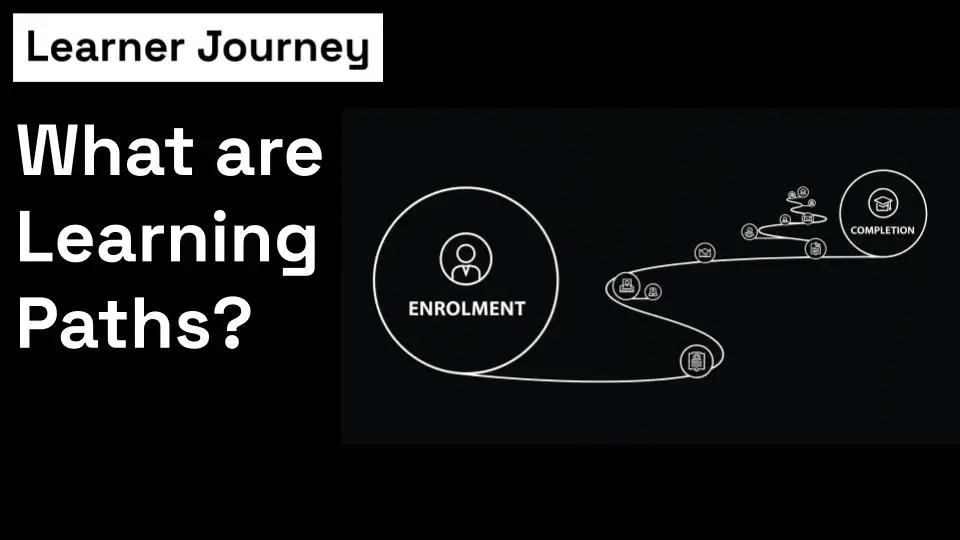
A learning path is made up of a series of pages. Each page can include rich, interactive content such as text, images, videos, podcasts, and quizzes. When building a learning path, you start by creating the individual pages. Once your pages are ready, you can bring them together into a structured journey. You can add new pages, remove pages, or change the order to shape the learning experience. When learners enrol on a learning path, they don’t just progress on their own — they can also see where others are. Profile images show who is taking part and what stage they’re at. Learners can connect, send messages, and collaborate with each other, turning the path into a shared learning experience. And when they reach the end, they’ll be awarded a certificate of completion to recognise their achievement. That’s the building block of a learning path — pages, ordered together, creating a journey that guides learners from start to finish.
Learner Journey Events
August 20, 2025 · 0 plays

Learner Journey makes it simple to set up events, whether they’re online or face-to-face. You can add registration limits, customise event details, and share your event with just a few clicks. If attendees are logged into Learner Journey, they can register instantly with one click. For public pages, guests simply press “Register” and enter their details. As the organiser, you can see exactly who has signed up, giving you full visibility and control. That’s a quick introduction to Learner Journey events—easy to set up, effortless to manage.
Learner Journey Bookings
August 20, 2025 · 0 plays

Learner Journey bookings make scheduling easy and flexible. You start by selecting the diary slots you’d like to offer on a daily basis, giving you full control of your availability. Once you’ve set these times, simply share your booking link with colleagues, clients, or learners, and they can reserve a meeting with you at a time that suits. When a booking is confirmed, both you and the attendee receive all the details instantly. From there, you can add the meeting to your Google Calendar, Microsoft Calendar, or iCal, so it fits seamlessly into your schedule. With Learner Journey bookings, organising meetings becomes smooth, professional, and stress-free.
Learner Journey Workspaces
August 20, 2025 · 0 plays

Learn how workspace administrators in Learner Journey have full control. From managing users and permissions to custom branding, feature toggles, and detailed analytics—admins can shape the entire workspace experience while tracking engagement and insights.
How to Create Forms with AI
August 20, 2025 · 0 plays

In this short tutorial, we show you how you can create forms from a single prompt in Learner Journey. Learner Journey's AI Forms function means creating forms is a breeze. You can still manually edit and change the form once it is created, but this speeds up the process of creating web forms. You can also view submissions to forms and download the data as a CSV.
How to Create Quizzes with AI
August 19, 2025 · 0 plays

Effortlessly create quizzes with Learner Journey! Just enter a prompt, and AI instantly generates questions and answers. Customize as needed. Track logged-in learner progress, offer certificates for scores above 80% (downloadable as open badges), and even allow guest participation. Start creating at LearnerJourney.com!
How to Create a Page with AI
August 19, 2025 · 0 plays

A short video tutorial on how to create pages with Learner Journey and AI.
Learner Journey 2 Minute Walk Through
August 19, 2025 · 1 plays

A quick overview of Learner Journey and what's possible with the AI-first learning platform.